Eureka: Alternative Android app for Ricoh GR cameras
For years, I suffered with the “Image Sync” app that Ricoh provides with its GR cameras: if it connected at all, it was usually too slow to be usable. While there were many third-party alternatives for iOS, Android had none.
So in 2023 I spent a few free afternoons learning Android development and built Eureka, a stupid-simple app to download photos with a single tap. Three years and a full rewrite later, it has grown into the app I wish Ricoh had shipped.
If you’ve had trouble with Image Sync or its successor, GR WORLD, check out Eureka on the Play Store.
Fast connections
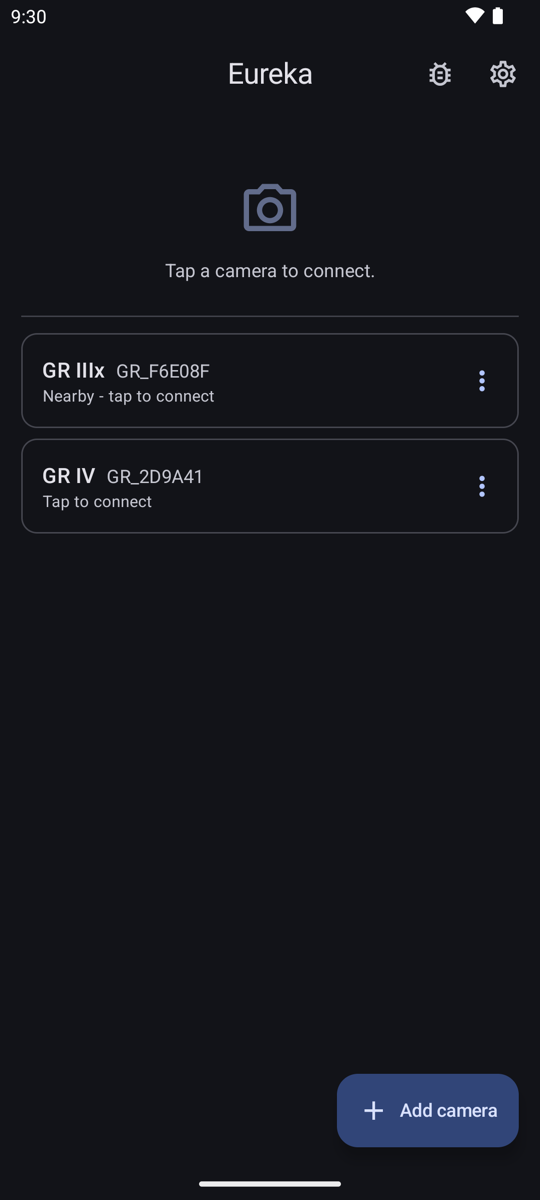
Add your camera once, over Bluetooth or Wi-Fi, and Eureka remembers it. After that, tap the camera to connect. If a GR III, GR IIIx, or GR IV is paired over Bluetooth, Eureka can power it on and turn on its Wi-Fi for you, so the camera can stay in your bag.
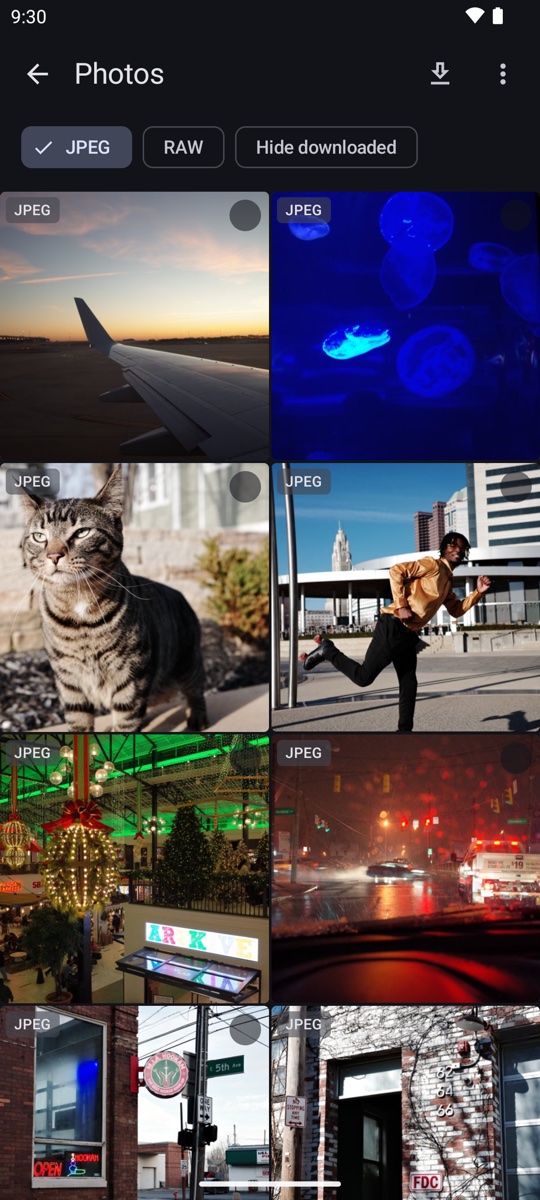
Once connected, your photos show up as thumbnails straight from the camera. Nothing is downloaded until you ask for it. Filters show JPEGs, RAWs (DNG), or both, and can hide what you’ve already downloaded.
Reliable downloads
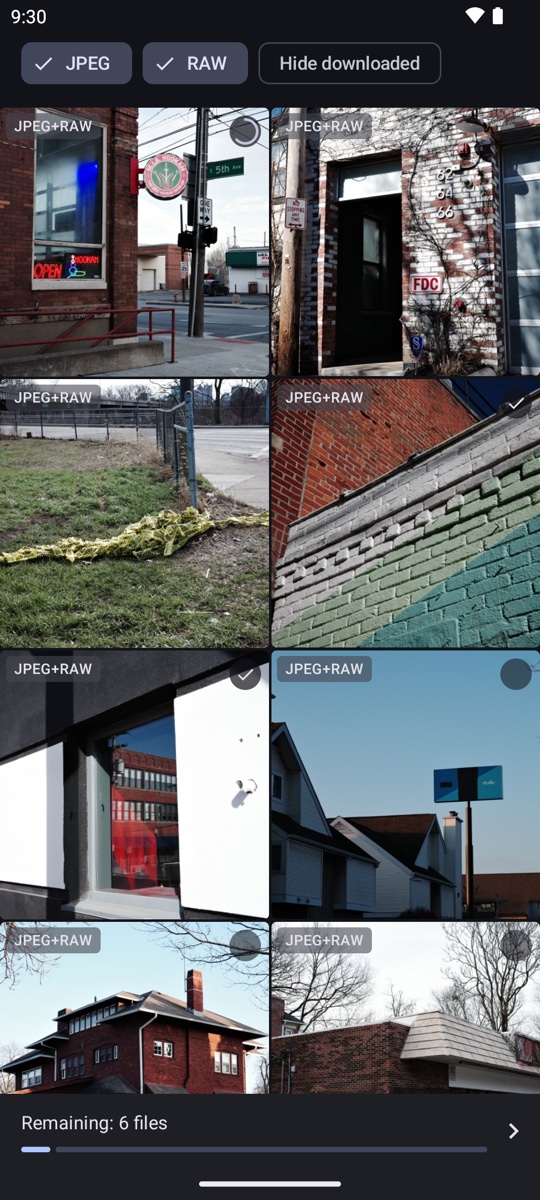
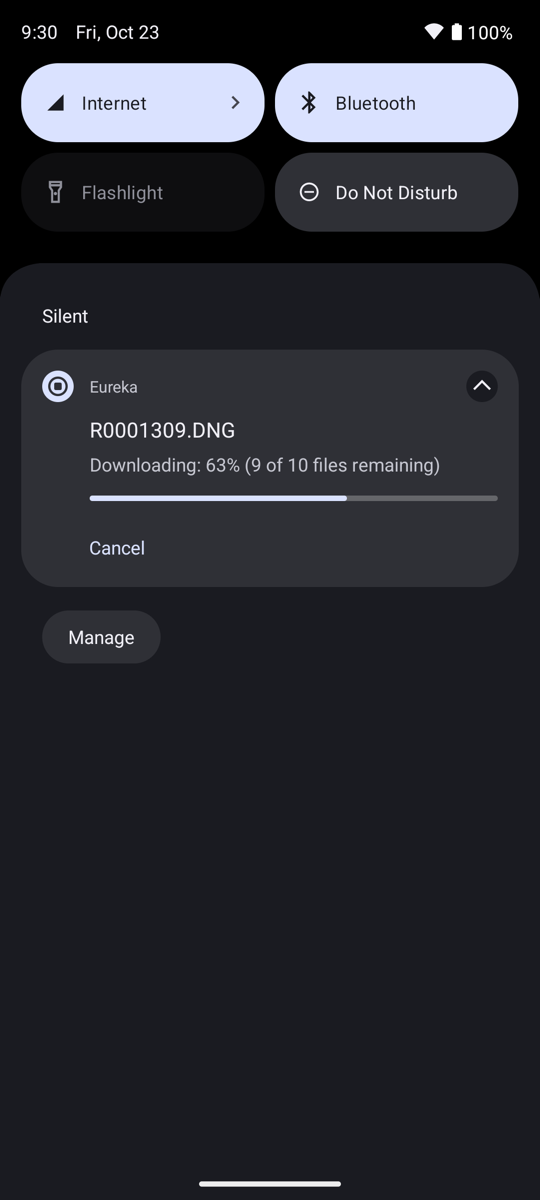
Tap a photo to download it, tap several to queue a batch, or let Eureka download anything you haven’t previously saved. Downloads keep running even when you switch to another app, lock the phone, or swipe Eureka out of recents. If a batch is interrupted, whether by a dropped connection or Android killing the process, Eureka offers to resume where it left off the next time you connect.
Full resolution previews
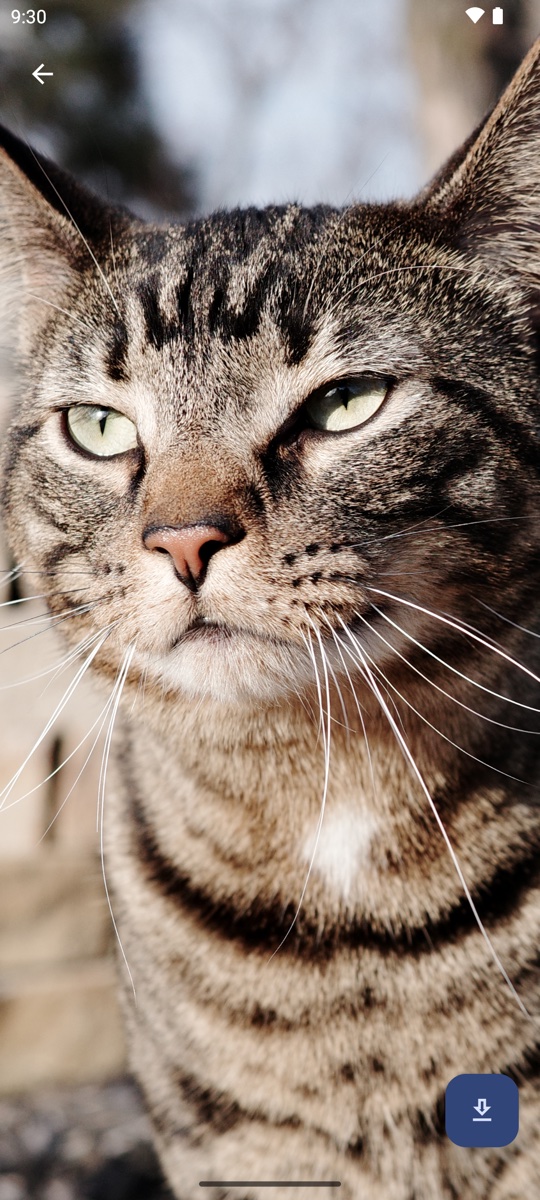
Long press any photo for a full-resolution view. Pinch to zoom, swipe between photos, and download from the preview if it’s a keeper.
Tap the transfer bar to see progress, retry failed downloads, cancel in-flight ones, and open or share what’s finished.
Privacy and permissions
Eureka only ever talks to your camera. There’s no account, cloud, analytics, or crash reporting. Android requires the location permission to scan for Wi-Fi networks, so Eureka asks for it only when you add a camera over Wi-Fi. It never uses GPS.
Supported cameras
Ricoh GR II, GR III, GR IIIx, and GR IV, including the HDF editions and the GR IV Monochrome. Powering the camera on over Bluetooth works on the GR III, GR IIIx, and GR IV.
Get it
Eureka is a one-time purchase of $5.99 on the Play Store. No subscription, no in-app purchases. I built it for my own GR III and still use it. It has been actively maintained since 2023. If you hit a bug or want a feature, reach out.
Eureka is an independent app and is not affiliated with, endorsed by, or supported by Ricoh Imaging. RICOH and GR are trademarks of Ricoh Company, Ltd.